Maximizing ROI with Google Ads: A Beginner’s Guide
"Learn how to set up and manage Google Ads campaigns that actually convert. This beginner’s guide walks you through keyword research, ad copy, landing pages, and tracking ROI effectively."
Google Ads is one of the most powerful tools in digital marketing—when used correctly. With over 8.5 billion daily searches, Google provides a massive audience to tap into. But launching a campaign is easy; making it profitable is the challenge. If you’re just getting started, this beginner’s guide will walk you through how to set up and manage Google Ads effectively to maximize your ROI.
In today’s competitive online landscape, it's not just about clicks—it's about conversions and revenue. And with the right strategy, even small businesses can compete with big players using Google Ads.
Let’s dive into the steps that help you build a high-performing campaign from the ground up.
🎯 What Is ROI in Google Ads?
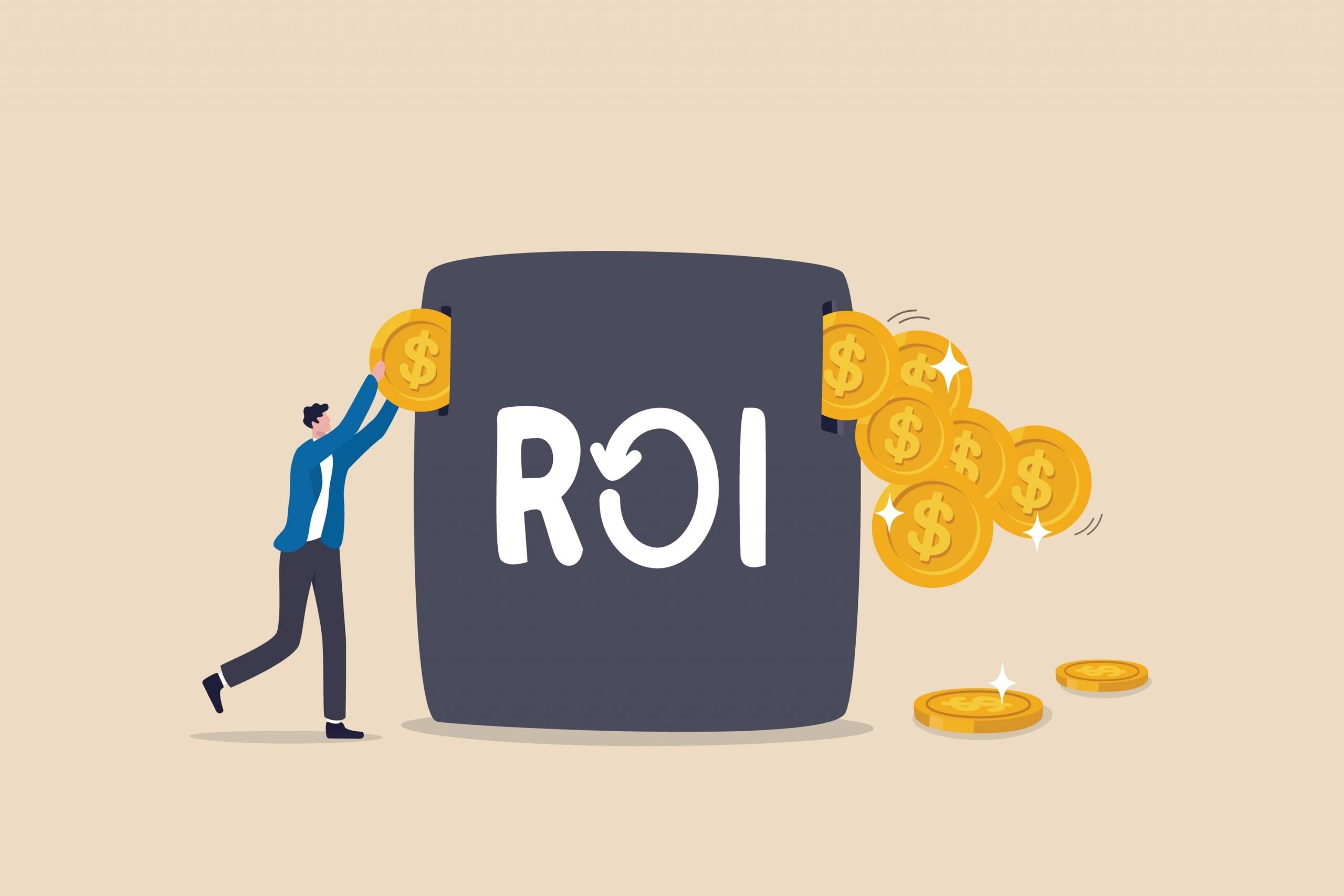
ROI (Return on Investment) in Google Ads is the amount of revenue earned from your campaigns compared to the cost of running them. It’s usually expressed as:
ROI = (Revenue - Cost) / Cost x 100
For example, if you spend $1,000 on ads and generate $3,000 in sales, your ROI is 200%.
Maximizing ROI means reducing wasteful ad spend while increasing conversions—whether that’s purchases, form submissions, or calls.
🧠 Step 1: Define Clear Campaign Goals
The most common mistake beginners make is launching a campaign without a clear objective. Ask yourself:
- Are you trying to get leads?
- Do you want to sell a product?
- Are you looking to drive store visits or app downloads?
Each goal requires a different campaign type. For example:
- Search Ads: Great for leads and direct conversions
- Display Ads: Ideal for brand awareness and remarketing
- Shopping Ads: Best for e-commerce sales
- Video Ads: Perfect for engaging audiences via YouTube
Always align your campaign type with your marketing funnel and business objectives.
🔍 Step 2: Conduct Keyword Research
Keywords are the foundation of any Google Ads campaign. You want to target the exact phrases your ideal customer is typing into Google.
Tools to Use:
- Google Keyword Planner
- Ubersuggest
- SEMrush or Ahrefs
- Answer the Public (for question-based queries)
Look for a balance between search volume and competition. Long-tail keywords (e.g., "affordable home cleaning in Austin") often have lower cost-per-click (CPC) and higher intent.
Group your keywords into tight ad groups to keep your campaigns organized and relevant.
🧱 Step 3: Structure Your Campaigns Strategically
A well-structured campaign improves Quality Score, lowers CPC, and increases CTR. Here’s how to do it:
- Campaign: Focused on a single goal (e.g., “Lead Generation”)
- Ad Groups: Organized by product or service category
- Ads: Tailored to keywords in each ad group
- Landing Pages: Relevant to each ad and keyword theme
Tip: Never send all ads to your homepage. Create dedicated landing pages for each ad group.
For example, if you offer web development and SEO, make separate ad groups—and landing pages—for each.
✍️ Step 4: Write Compelling Ad Copy
The success of your ads hinges on how well your copy connects with user intent. Each ad should include:
- Headline 1: Includes your keyword (e.g., “Affordable Web Design”)
- Headline 2: A unique value proposition (e.g., “Delivered in 10 Days”)
- Description: Focus on benefits, urgency, and CTAs
- Path: Display URL with relevant keywords
Example:
Headline 1: “Custom WordPress Websites”
Headline 2: “Launched in Just 10 Days”
Description: “Get a mobile-friendly, SEO-optimized website. Free consultation today.”
Also, use ad extensions like:
- Sitelinks
- Callouts
- Structured Snippets
- Location or Call Extensions
These not only increase CTR but also improve ad rank.
📄 Step 5: Create High-Converting Landing Pages
Getting a click is only half the battle—converting that click is what counts. Your landing page should be:
- Relevant to the ad (use the same keywords and offer)
- Fast loading (under 3 seconds)
- Clear CTA (e.g., “Get Your Free Quote”)
- Mobile-friendly
- Minimal distractions (no unnecessary links or menus)
You can use platforms like Unbounce, Instapage, or even Webflow to build conversion-optimized pages.
Pro tip: A/B test your landing pages regularly to improve performance.
📊 Step 6: Track Conversions
If you’re not tracking conversions, you’re flying blind. Install Google Ads Conversion Tracking or integrate with Google Analytics 4 (GA4).
You can track:
- Purchases
- Form submissions
- Phone calls
- Page views (for lead nurturing)
Set up goals in GA4 and link your account with Google Ads. This lets you measure exactly which keywords and ads are generating ROI.
Need help setting this up? Marketing.inc offers step-by-step tutorials on using GA4 for content and ad tracking.
🧪 Step 7: Optimize Continuously
Google Ads isn’t “set it and forget it.” It requires ongoing optimization. Review performance weekly and:
- Pause underperforming ads or keywords
- Increase bids on high-converting terms
- Refine negative keywords to block irrelevant searches
- A/B test different headlines and descriptions
- Check Quality Score and improve relevance
Focus on your CTR (Click Through Rate), Conversion Rate, and Cost per Conversion. These are the real drivers of ROI.
💰 Bonus Tips to Maximize ROI
1. Use Negative Keywords
Exclude searches that waste money (e.g., “free”, “cheap”, “jobs”) unless they match your business intent.
2. Schedule Ads Smartly
Run ads only during hours your target audience is online or your team is available to respond.
3. Geo-Targeting
Limit ads to the cities, zip codes, or countries you actually serve.
4. Leverage Remarketing
Use Google’s remarketing features to re-target visitors who didn’t convert on their first visit.
5. Use Smart Bidding (Cautiously)
Google’s automated bidding strategies (like Target CPA or Maximize Conversions) can work—after you have enough conversion data.
📈 Case Study Example: Small Business Success with Google Ads
A local service business spent $2,500/month on Google Ads without tracking ROI. After restructuring their campaigns based on the above steps—segmented ad groups, better landing pages, and conversion tracking—they increased leads by 72% and cut cost-per-lead by 38% in 60 days.
The key? Testing, refinement, and aligning ads with business goals.
✅ Final Thoughts
Google Ads is a pay-to-play platform, but it rewards advertisers who are strategic and data-driven. Whether you're just launching your first campaign or want to reduce wasted ad spend, following these fundamentals will put you on the path to real ROI.
Start small, test often, and optimize continuously.
For more guides and performance marketing strategies, visit Marketing.inc—your go-to resource for mastering digital growth.
Share Article
About the Author
Sourabh Mate
View all articles →
Category
Social Media MarketingArticle Highlights
- Expert strategies proven across multiple industries
- Step-by-step implementation guides for immediate results
- Real-world case studies with measurable outcomes
- Latest industry trends and emerging technologies
Social Media Marketing
Part of A Digital Agency's comprehensive resource library — expert guides, insights, and case studies covering every aspect of modern digital marketing.
More in Social Media Marketing
June 28, 2026
2025 Social Media Marketing Emerging Trends and Strategies for Success
Social media marketing in 2025 is defined by rapid technological advancements, evolving consumer behaviors, and a shift towards authenticity and community-driven engagement. Brands that embrace these
June 28, 2026
Social Media to Sales: Expert Strategies for Generating Qualified Leads Online
Generating qualified leads through social media requires a strategic, data-driven approach. By optimizing your profiles, creating engaging content, leveraging paid ads, and using automation tools, you
June 28, 2026
Why Emojis Matter: Unlocking the Hidden Power of Digital Expression
Emojis have become an integral part of digital communication, offering a way to convey emotions, clarify tone, and foster engagement across cultures and platforms. Whether you are an individual seekin